 Brickium
Brickium · Press
Brickium press kit
Got a box of loose bricks and no instructions? Brickium designs a model from exactly the bricks you have. Add your parts by photo or set number, say what you want to build, and you get 3D step-by-step instructions for something you can actually build tonight. It is made by one independent developer, Zhang Liu.
At a glance
- What it is: an app that designs a model from the bricks you already own, with 3D building steps
- Made by: Zhang Liu, an independent developer
- Out since: 24 September 2026, on the App Store; current version 1.1
- Runs on: iPhone and iPad, iOS 17 or later
- Price: free to download, and free to add and scan bricks; one free creation after sign-in and another after the first finished build; then packs from $2.99 for two, bought once and never expiring; no subscription, no ads, no tracking
- Why it builds: the AI suggests a design, then a checker makes sure every part is in your box, nothing overlaps and every brick is held up; designs that fail are never shown or charged
- Parts today: 29 basic part types in 20 colours, so models are small and chunky; about thirty common parts are recognised from a photo
- Languages: English, Simplified Chinese and Traditional Chinese
- Age rating: 16+; accounts are for adults, and children can build along
- Where: the App Store everywhere except mainland China
- Trademark: LEGO® is a trademark of the LEGO Group, which does not sponsor, authorize or endorse this app. Brickium works with standard building bricks, including LEGO bricks and compatible bricks.
- Links: App Store · brickium.app
If you need a line about it
One line: Turn the box of loose bricks you already own into tonight’s build.
A paragraph: Most homes with building bricks end up with the same thing: a big box of mixed parts and no instructions. Brickium starts there. Add what you have, by photo or set number, and say what you want in plain words, like "a small car with four wheels" or "a house with a red roof". The AI designs it from your parts only, and a checker throws out anything that needs a brick you don’t have or a piece floating in mid-air. If your bricks can’t make it, Brickium tells you, rather than quietly building something else. Then it walks you through every step in 3D.
Screenshots and icon
Tap any image for the full-size file. Use them freely in coverage of Brickium.
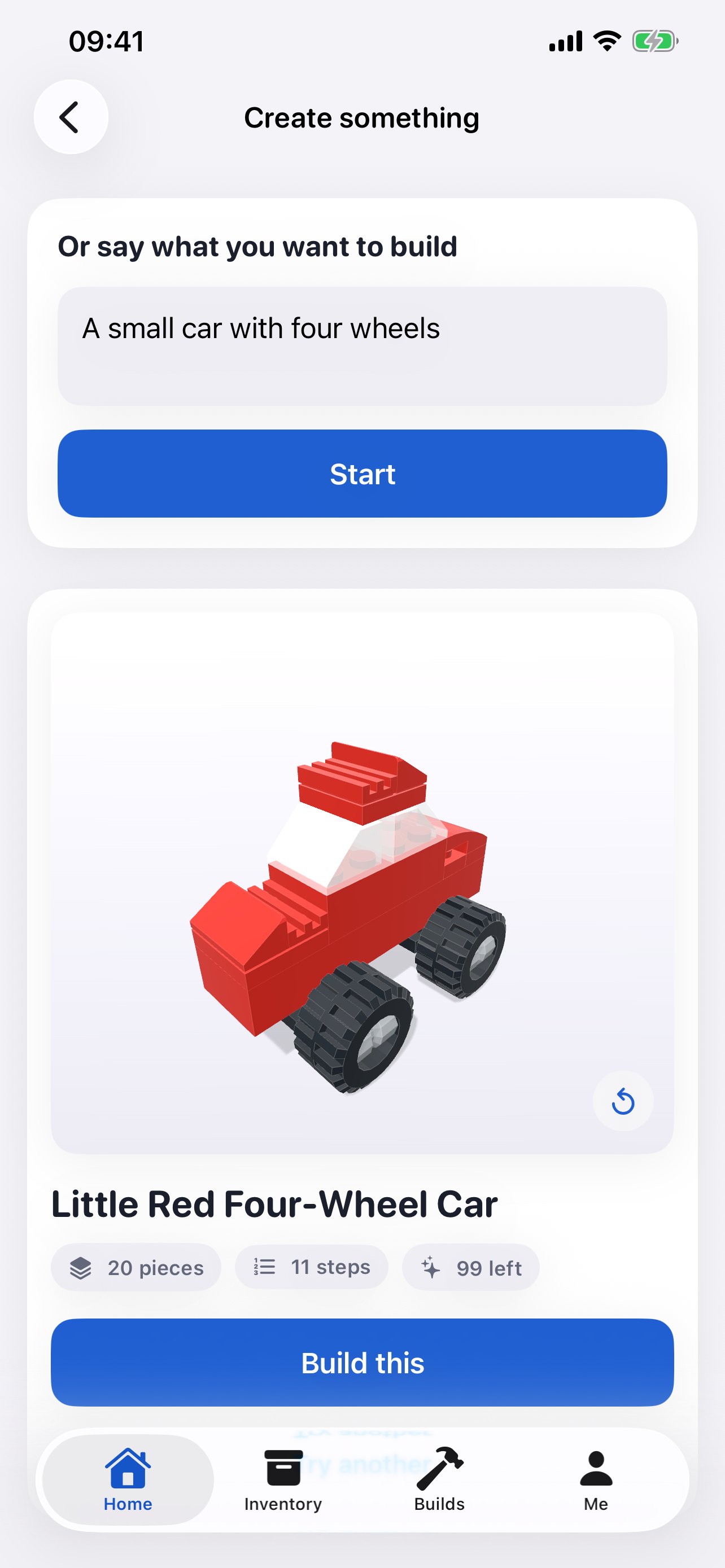
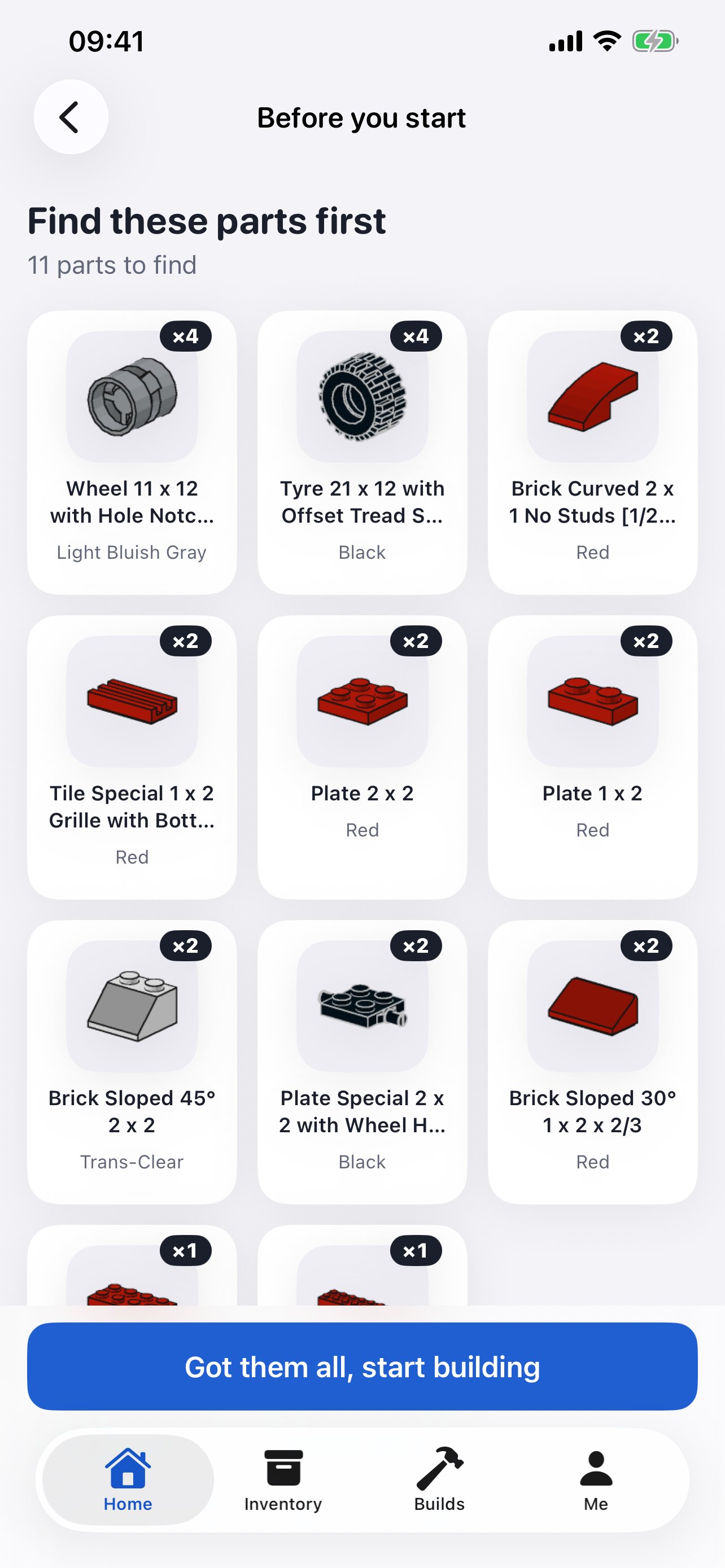
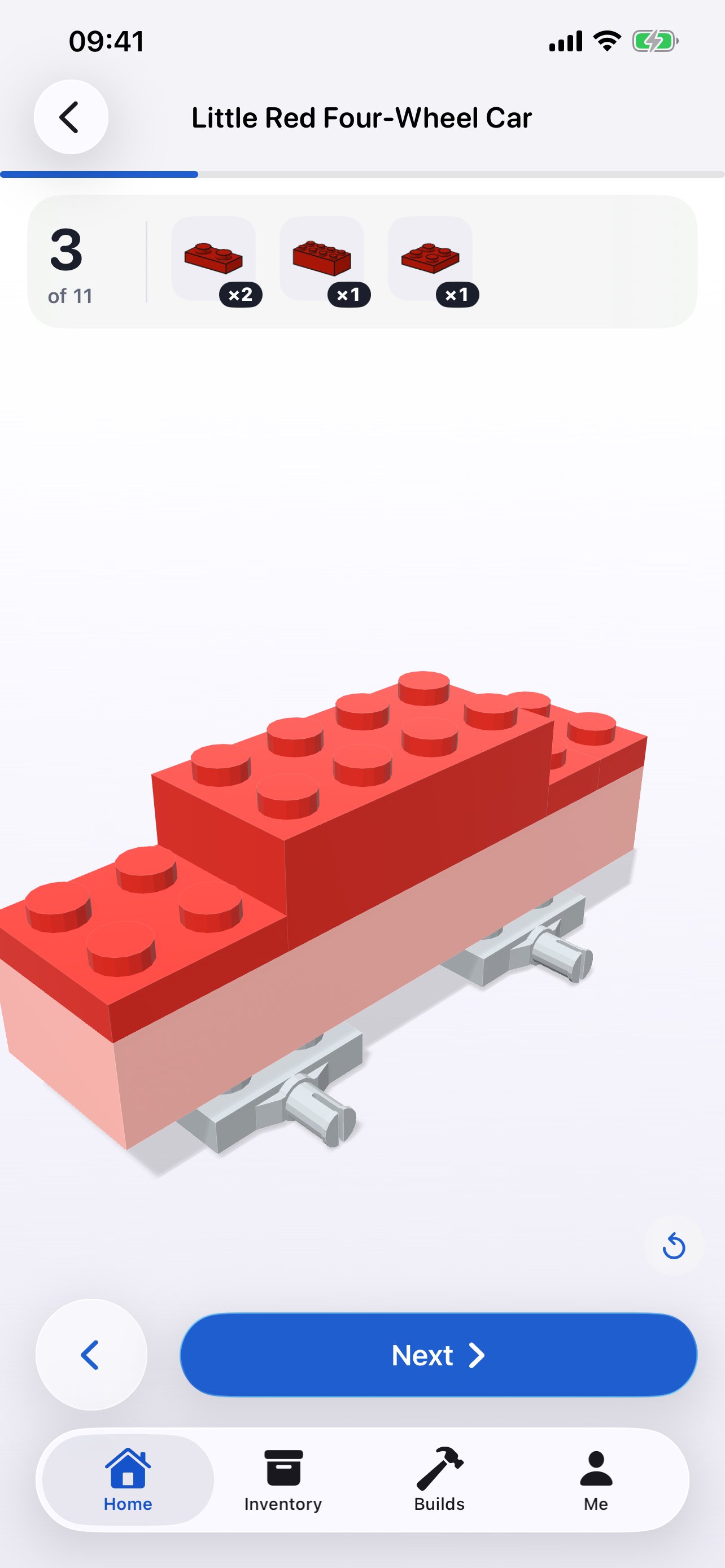
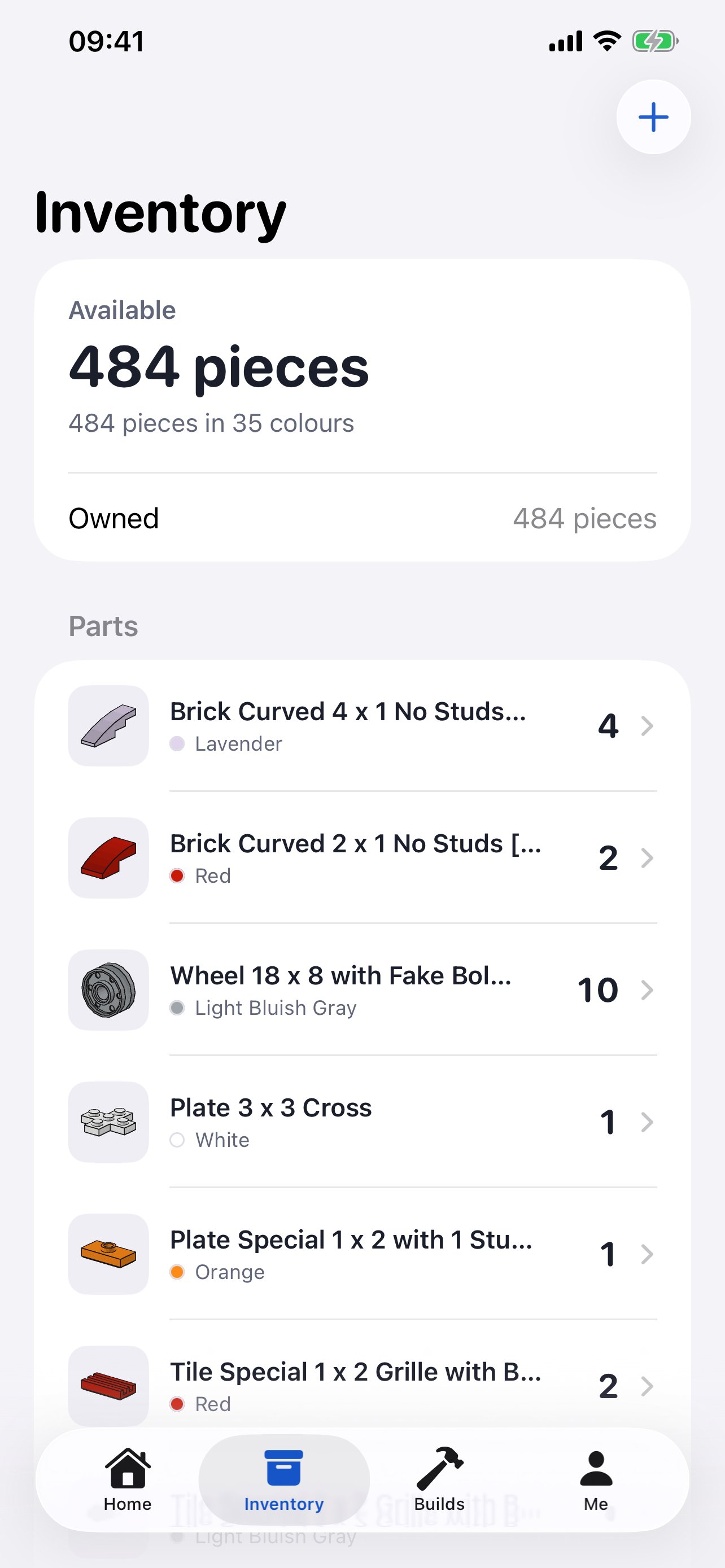
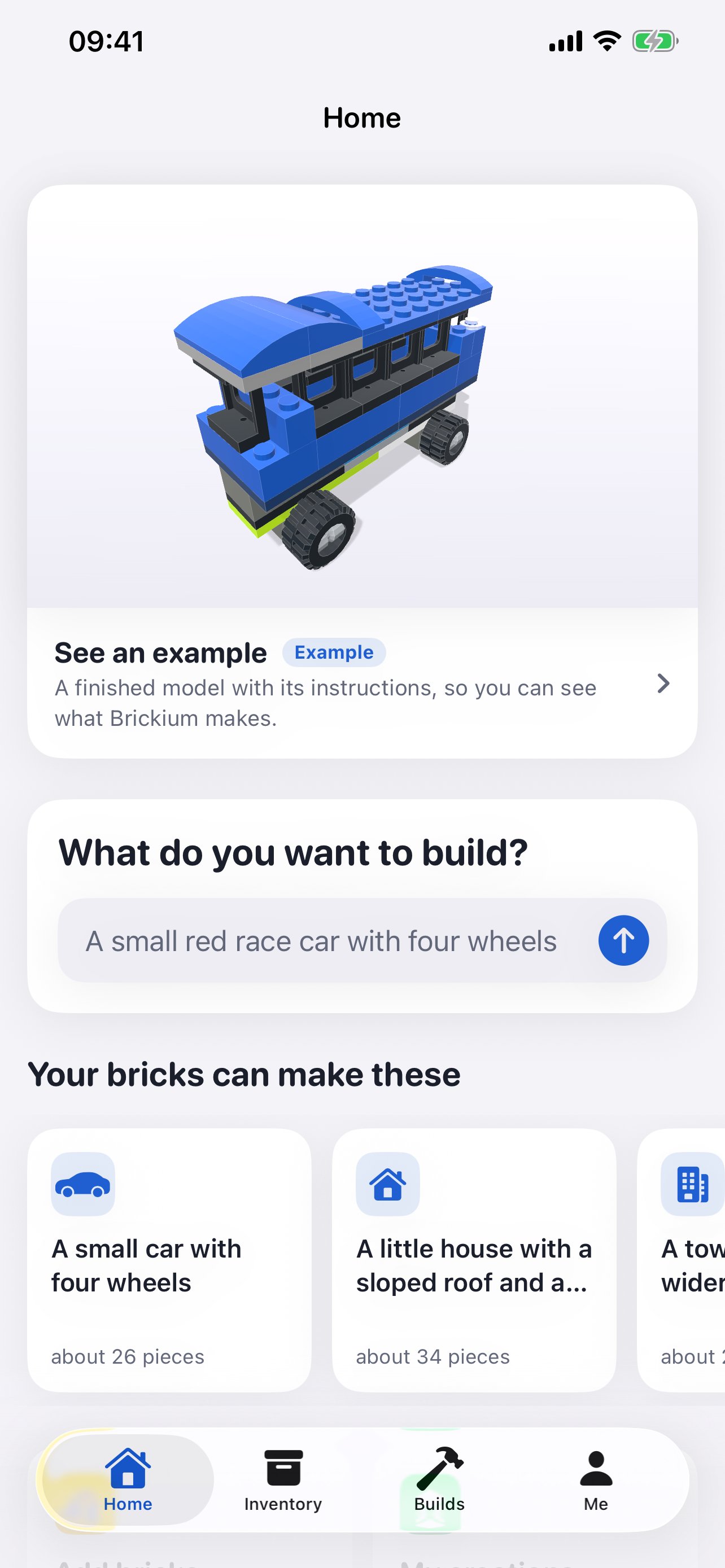
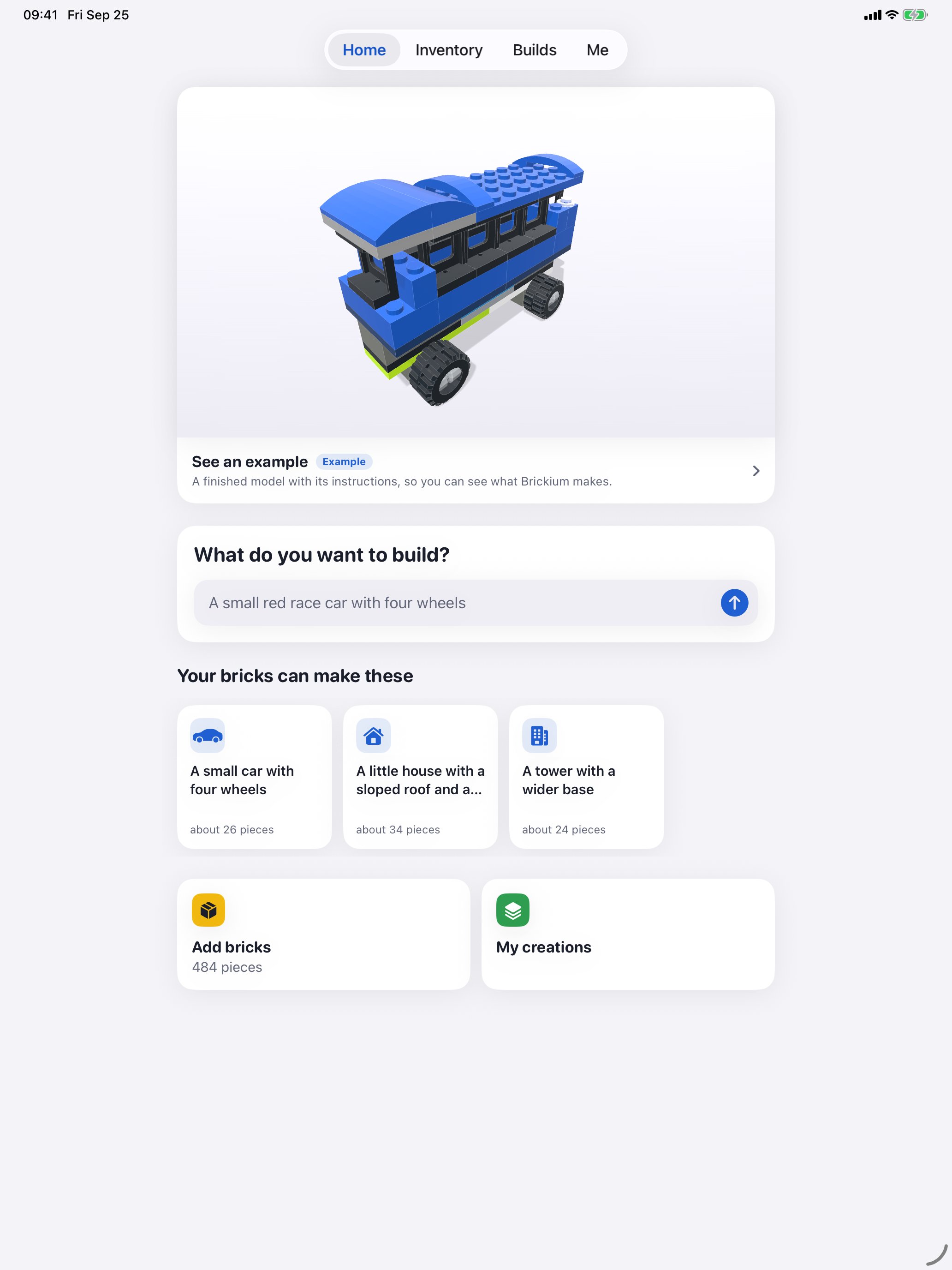
Download everything as one ZIP: the icon at 1024 × 1024, the screenshots and these facts as text. Just the icon: brickium-icon-1024.png.
From a pile of bricks to a finished design in 31 seconds: watch the YouTube Short.
Worth writing about
- What to do with a box of loose bricks and no instructions.
- Why the AI’s design gets checked by plain code before anyone sees it.
- Building with kids from what is already in the house, instead of buying another set.
- Making a 3D app alone, and what still isn’t good enough.
Get in touch
Email zhang3917@gmail.com. It goes straight to Zhang Liu.
Questions people ask
Can I use the screenshots and the icon?
Yes, anywhere you write about Brickium. Just leave the icon as it is.
Does reviewing it cost anything?
No. A new account gets one free creation after sign-in and another after the first finished build. Need more for a proper test? Email and ask.
Is this a paid-placement pitch?
No. There is no budget for paid coverage. This page simply puts the facts and images in one place.
Download Brickium on the App Store ↗
LEGO® is a trademark of the LEGO Group of companies which does not sponsor, authorize or endorse this application. Brickium is an independent app and is not affiliated with the LEGO Group. Parts catalogue data is sourced from Rebrickable. Part geometry is derived from the LDraw Parts Library, licensed under Creative Commons Attribution.